
01
Set it up once.
Save your rates, details and clients once. Every quote and invoice uses them.

Your Business
Rates, details and clients saved once, used everywhere.
Talk or type
Tell it about the job the way you’d tell a mate. Out loud, typed, or a photo of your notes.
Your own certificates
Already use paper forms or another system? Keep them all in one place, with due-date reminders.
02
Catch the lead.
You’re under a sink and the phone rings. The call still gets caught, listed and ready to act on.

Missed Calls
Every call you don’t get to, caught and listed. Your phone still rings first, and you keep your own number.
Enquiries to do
Leads wait on your home screen until you move them.
Booking link
Callers pick a day. You say yes or no.
AI Receptionist (add-on)
Have the call answered, not just logged.
03
Quote it.
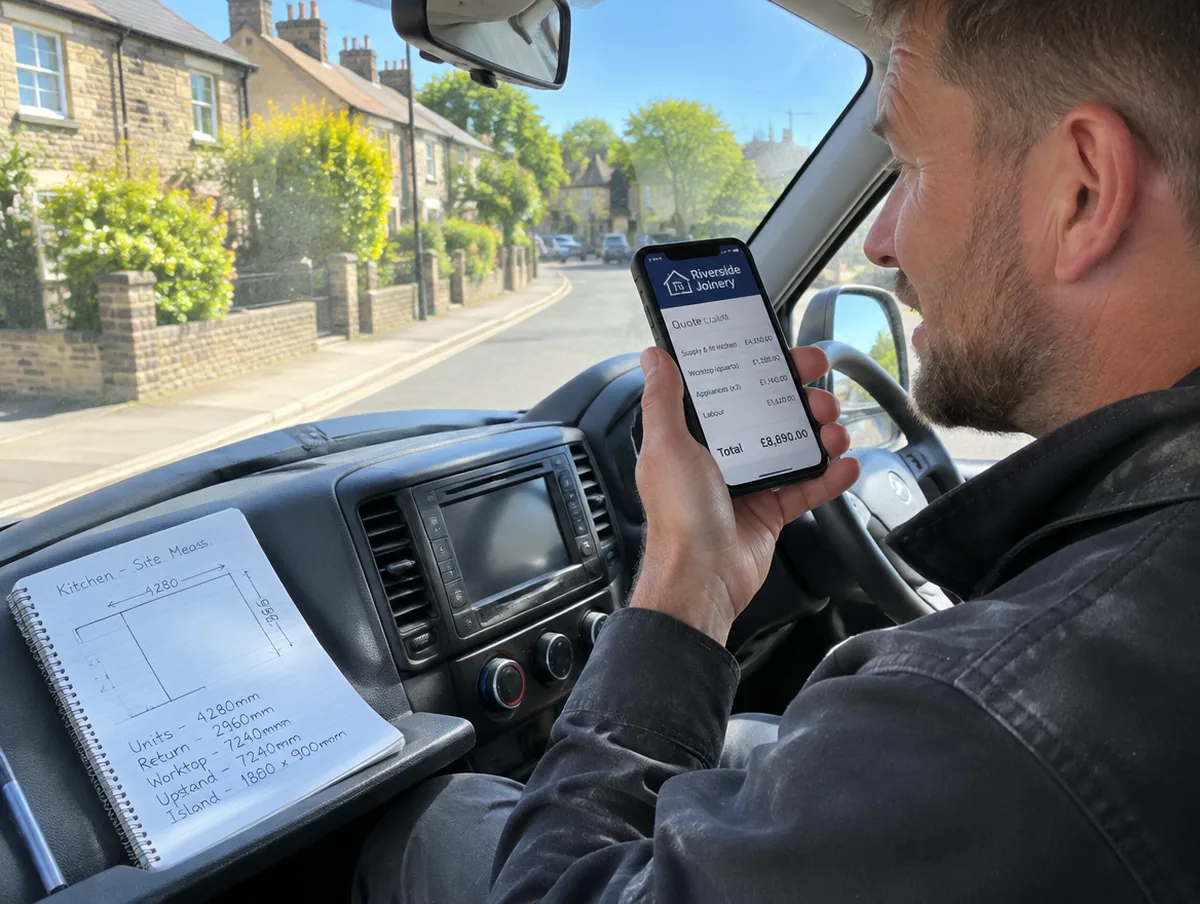
Back in the van, tell it the job. A branded quote comes back ready for you to check.
Quotes
An itemised quote on your letterhead, from the job details you type, say or upload.
Quote links
Send the quote as a link and get notified when the customer opens it and when they accept it.
Tender pricing
A priced schedule from a scope of works or BOQ, with the gaps left honest.
Quote follow-ups
Quotes that have gone quiet come back to you, with the follow-up already drafted.
04
Book it in.
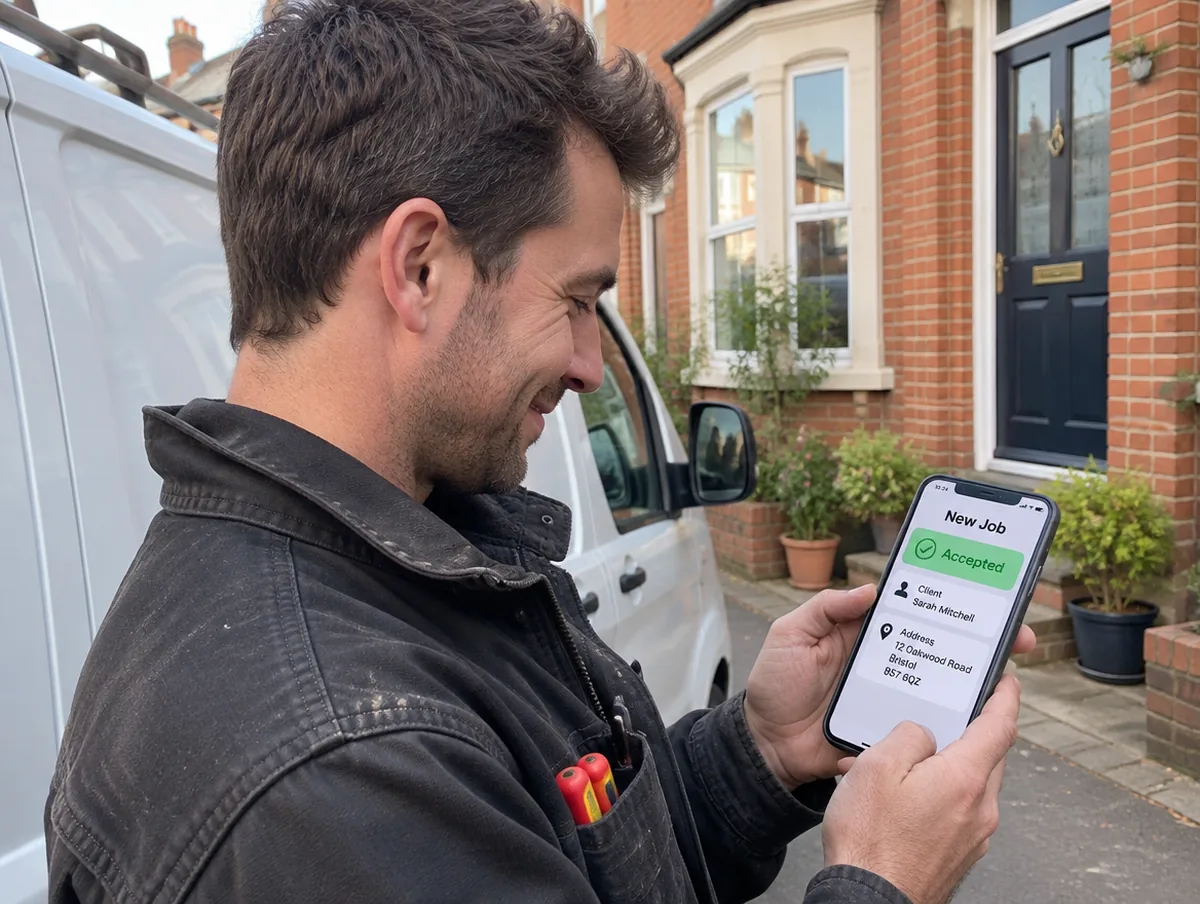
Quote accepted? It becomes a job with the client and site already filled in.
Jobs
Everything about the job, in the job.
Clients
Every client’s history in one place: jobs, quotes, invoices and your own notes.
Projects & multi-site
Group related jobs into one project, and keep every site under the one client.
05
Run the diary.
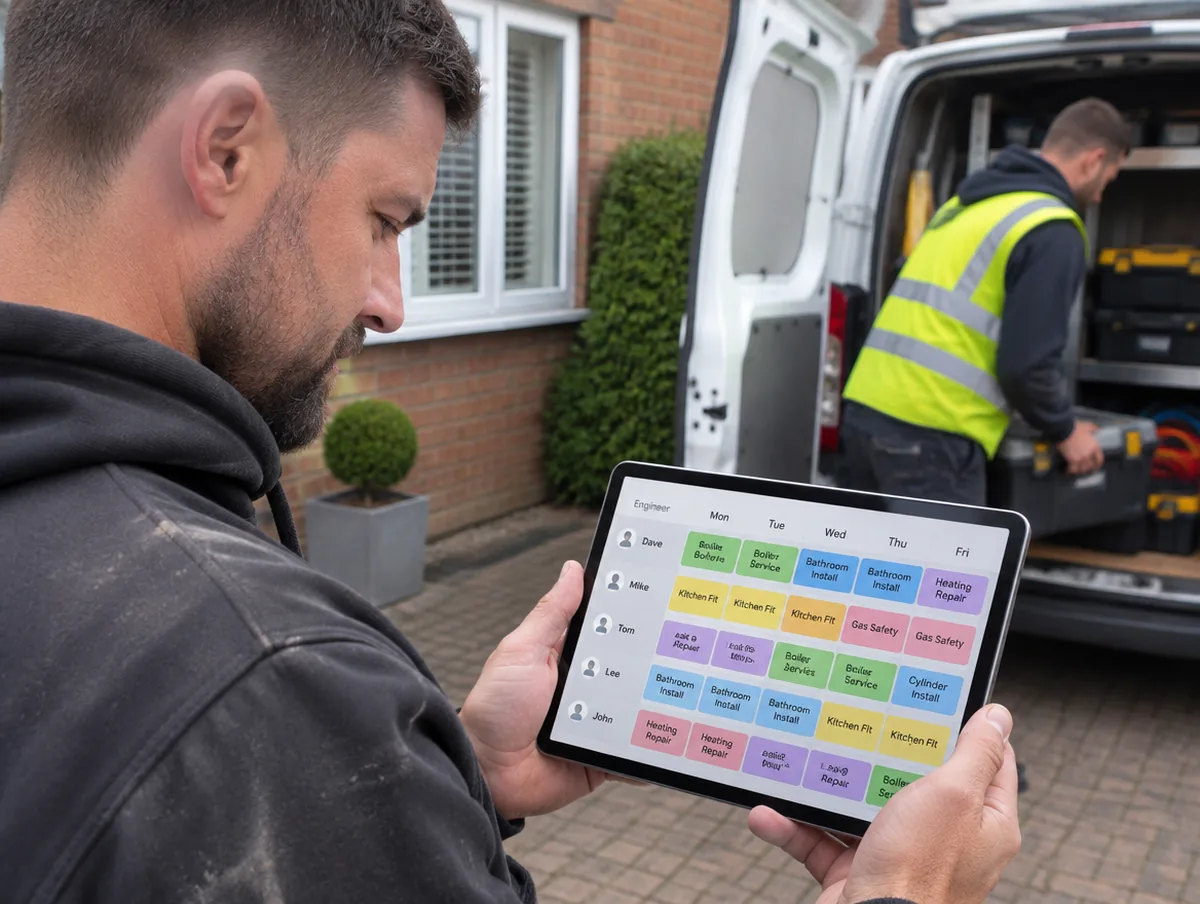
Month, Week and Day views. A row for each engineer if you have a team.
Diary
Week and Day have a row for each engineer, and you move jobs with a drag or a tap.
Engineers on jobs
Put an engineer’s name on every job.
Engineer app
Link an engineer’s phone. They see their jobs and tell you what happened.
06
Plan the day.
A morning brief, alerts that matter and one tap to the route.

Morning brief
Switch it on once and a brief is waiting every morning before you start.
Alerts
Good news, straight away. And the calls you couldn’t take.
Directions to jobs
Booked in? One tap opens the route.
07
On site.
Photos and notes go straight into the job. Notes save even without signal.
Work orders
Job sheets for site, signed on the phone.
Site notes, typed or spoken
Notes taken on site by typing or talking, filed to the job.
Photos & annotations
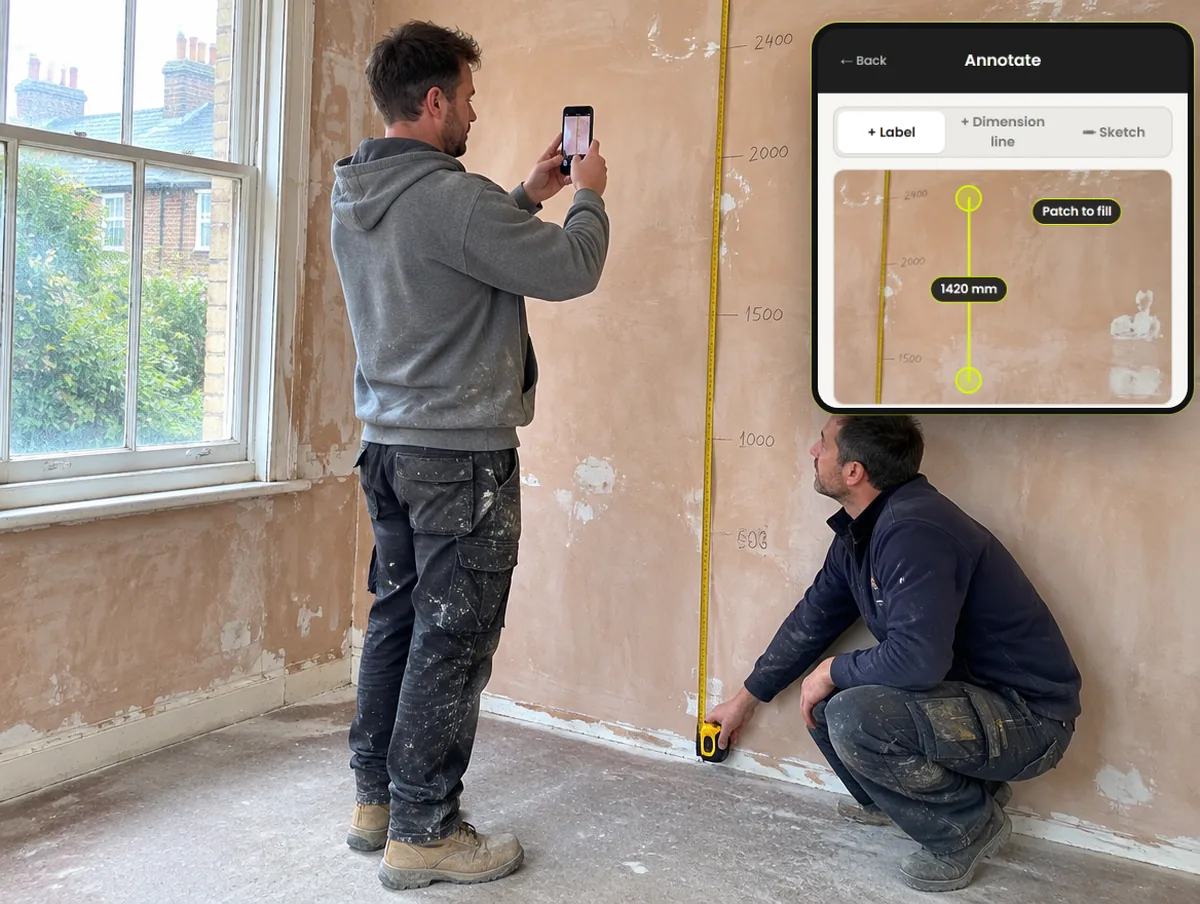
Photos marked up with labels and measurements, filed against the job.
Works offline
No signal in the loft or the cellar? Changes save on your phone and catch up later.
08
Receipts and costs.
Snap it, check it, file it to the job, then see what the job really made.

Receipts
Photograph it, check it, file it to the job.
Job costs & margin
See what the job actually made.
Purchase orders
Purchase orders to your merchant, priced from your rate card.
09
Get paid.
The invoice is ready when the job is, with your own payment link. They pay you directly.
Invoicing
The invoice is ready when the job is.
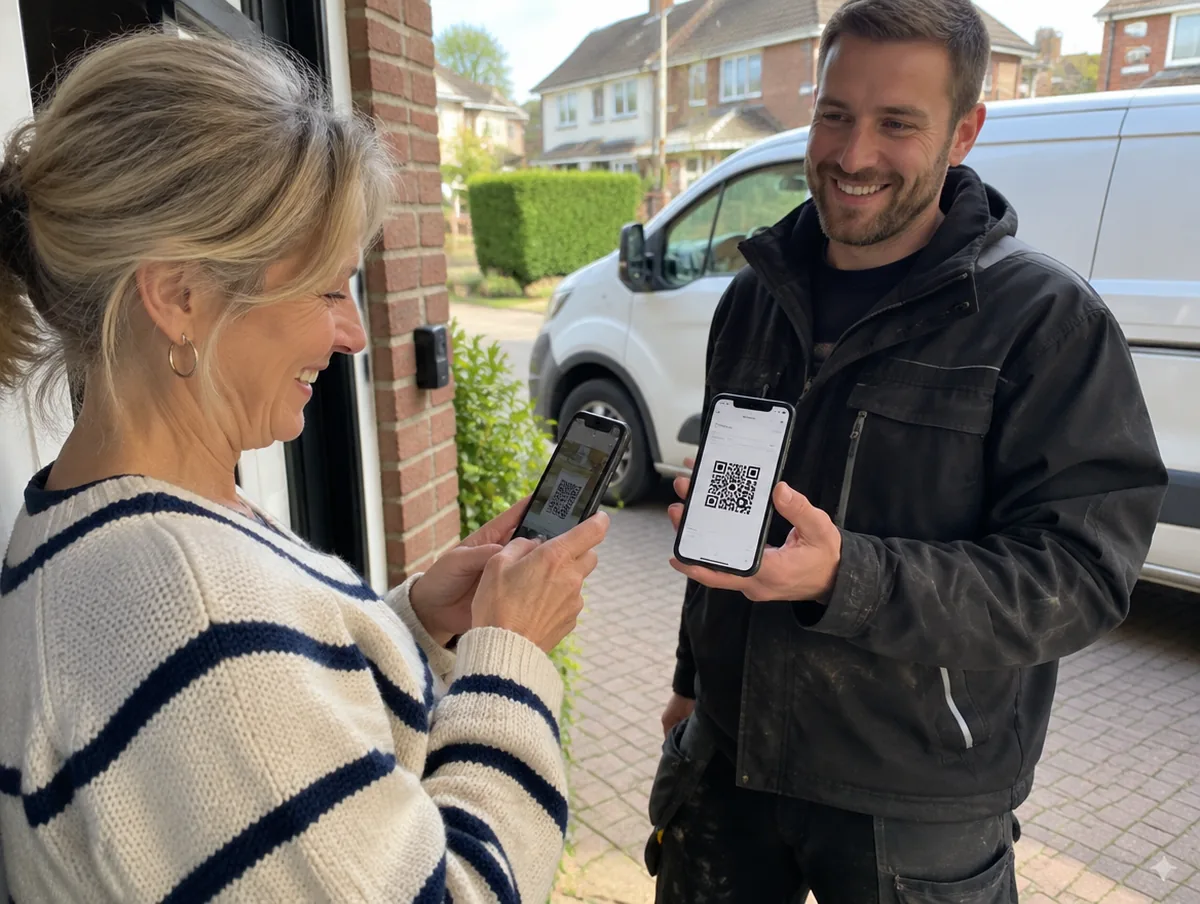
Payment link & QR code
Your own payment link and bank details on every invoice, plus a QR code to scan on site.
Chasing
Get paid without the awkward phone call.
Applications for payment
Applications for payment, with retention tracked from your figures.
10
Win the next one.
Reviews, referrals and rebooking reminders, drafted for you to send.

Review requests
Ask for a review after every job, using your own review links.
Referrals & social posts
Turn finished work into the next job, without sitting down to write.
Service & rebooking reminders
Annual services and rebookings come round on their own.
Know the numbers
What’s owed, what’s late, what it made. Ask it in plain English.
Accountant exports
Export what your accountant needs.