
Step 5 · Run the diary
Diary
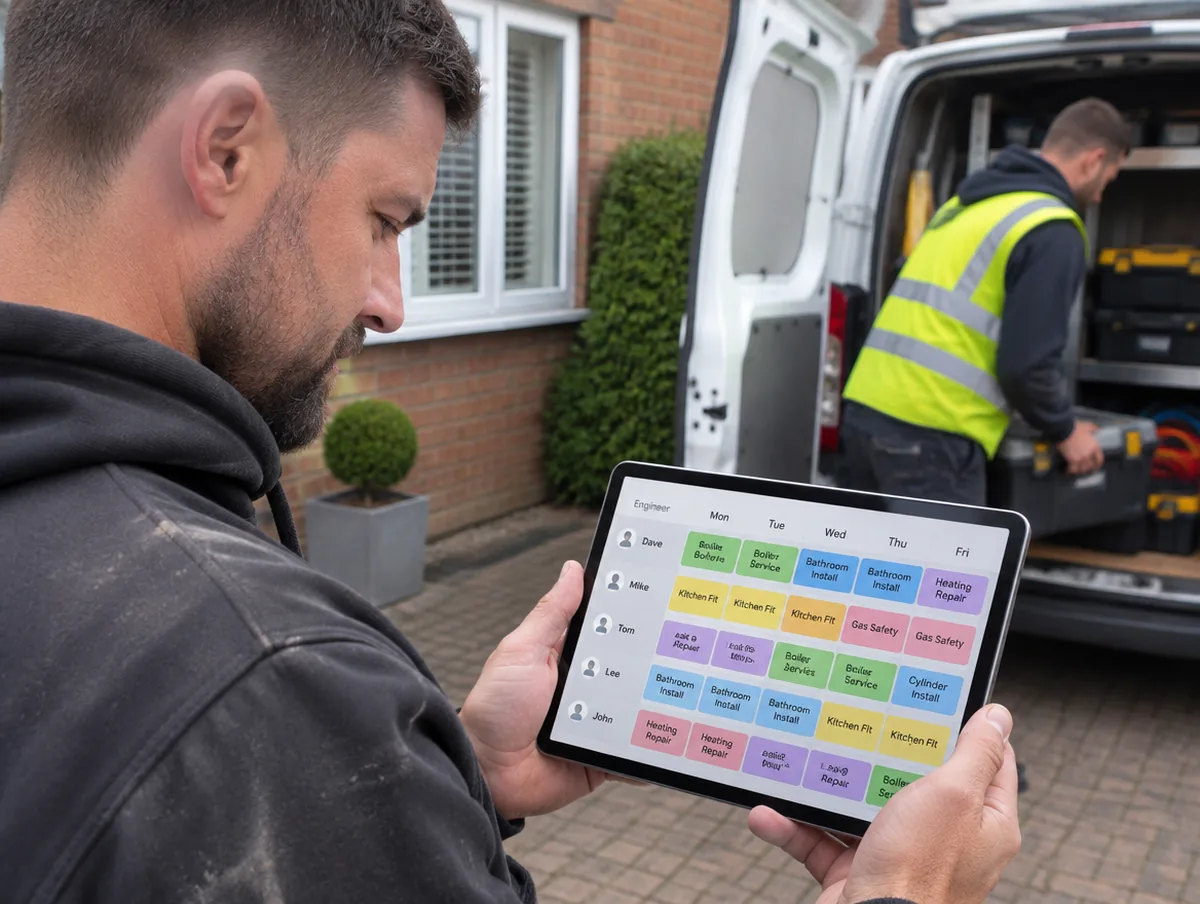
Month, Week and Day views. Week and Day have a row for each engineer, and you move jobs with a drag or a tap.
How it works
Three steps.
- 1
Pick Month, Week or Day
Tap Schedule on your home screen, then switch between Month, Week and Day. In Week and Day, each engineer gets a row, plus one for Unassigned.
- 2
Drag or tap to move
Press and hold a job to drag it to another day or engineer, or just tap it to move it.
- 3
Undo straight away
Changed your mind? Undo straight away.
Start 14 days free.
No card required. Subscribe while we're in early access and pay £19.99 a month for life. Cancel inside the app.