Step 9 · Get paid
Payment link & QR code
Your own payment link and bank details on every invoice, and a QR code of it for the customer to scan on site.
How it works
Three steps.
- 1
Add your link and bank details
Add the payment link you already use, and your bank details, in Your Business.
- 2
They go on the invoice
They go on your invoices, and the invoice can show the link as a QR code.
- 3
They pay you directly
The customer pays you directly. You mark it paid in a tap.
- Take, hold or touch the money. It goes straight from your customer to you.
- Mark an invoice paid by itself. You mark it paid in a tap when it lands.
Why it matters
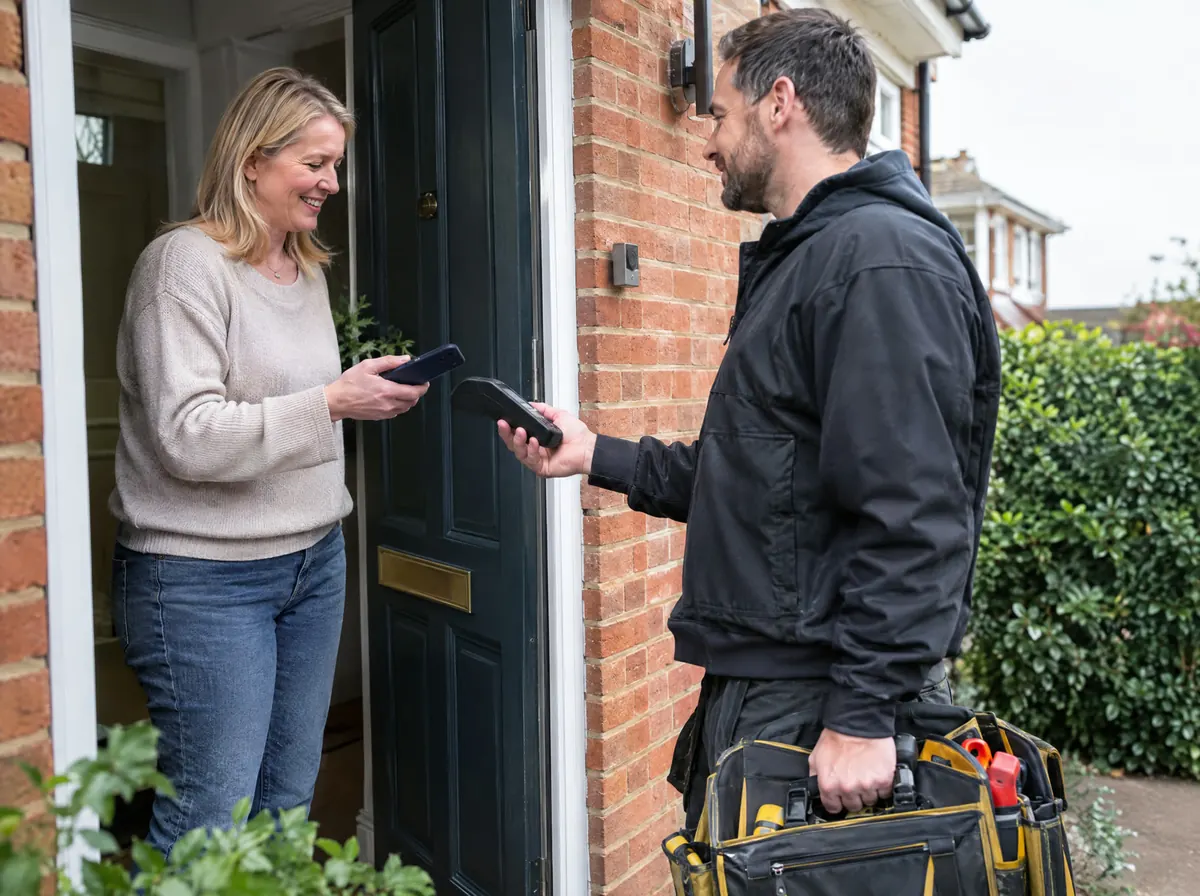
The easier it is to pay you, the sooner you're paid. Your own payment link and bank details sit on every invoice, and the QR code means a customer can pay on the spot.
Questions
Do I need a payment provider?
You use whichever payment link you already have, or just your bank details. Out The Van doesn't process payments.
Where does the QR code come from?
It's a QR code of your own payment link, shown on the invoice for the customer to scan.
Start 14 days free.
No card required. Subscribe while we're in early access and pay £19.99 a month for life. Cancel inside the app.