
Step 3 · Quote it
Quotes
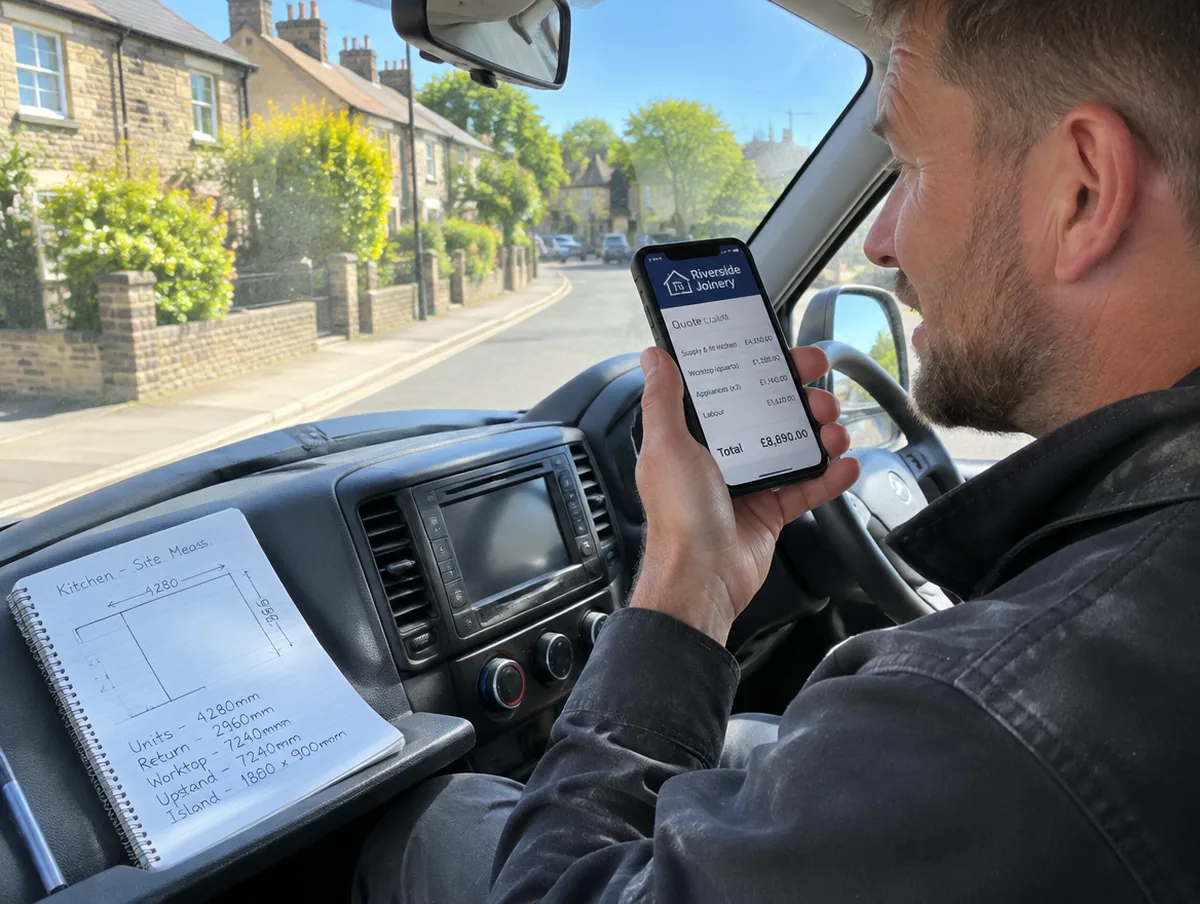
An itemised quote on your letterhead, from the job details you type, say or upload.
How it works
Three steps.
- 1
Tell it the job
Tell it the job, or attach your notes, measurements or a drawing.
- 2
It prices it
It prices it from your saved rates. Anything it has no rate for is left blank and flagged for you to fill.
- 3
Check it, then send
Check it, change what you like, then send it as a PDF, a Word file or a link.
- Send anything for you. You check it first, then you send it.
- Guess a price. If it has no rate for something, it leaves a blank and flags it for you to fill.
Why it matters
A quote is often the first thing a customer sees from you. Out The Van builds it from your saved rates, so it looks the same every time and takes minutes, not an evening.
Questions
Does it use my own prices?
Yes. It works from the labour rates and materials rate card you save in Your Business. Anything it has no rate for is left blank and flagged.
Can I send it as a Word file?
Yes. Send it as a PDF, a Word file or a link.
Related features
Works well with.
Start 14 days free.
No card required. Subscribe while we're in early access and pay £19.99 a month for life. Cancel inside the app.