
Step 8 · Receipts and costs
Receipts
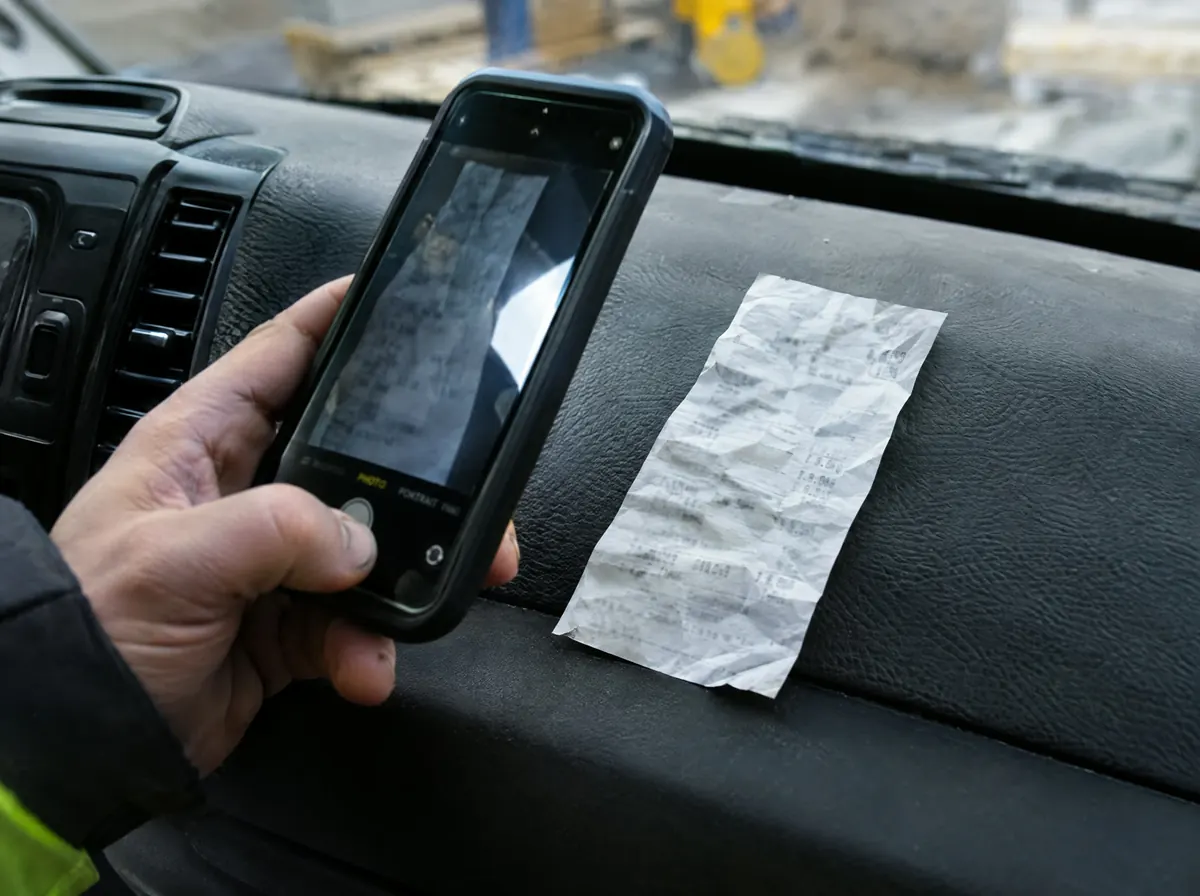
Photograph it, check it, file it to the job.
How it works
Three steps.
- 1
Photograph it
Take a photo of the receipt.
- 2
Check what it read
The supplier, amount and date are read off it for you to check.
- 3
File it to a job
File it to a job and it counts towards that job's costs, or file it to your own expenses.
What it won't do
- Decide your tax treatment. It reads the supplier, amount and date off the photo for you to check.
Why it matters
A pile of receipts in the van door is lost margin. Photograph each one on the spot and it's filed to the job, so the job's real costs are there when you need them.
Questions
Can I file a receipt to my own expenses instead of a job?
Yes. When you save a receipt you choose whether it's for a client's job or your own expenses.
Can my accountant get them?
Yes. Download a CSV of your receipts to hand over.
Start 14 days free.
No card required. Subscribe while we're in early access and pay £19.99 a month for life. Cancel inside the app.