
Step 7 · On site
Site notes, typed or spoken
Notes taken on site by typing or talking, filed to the job, not lost in your phone.
How it works
Three steps.
- 1
Open the job
Open the job while you're on site.
- 2
Type or talk
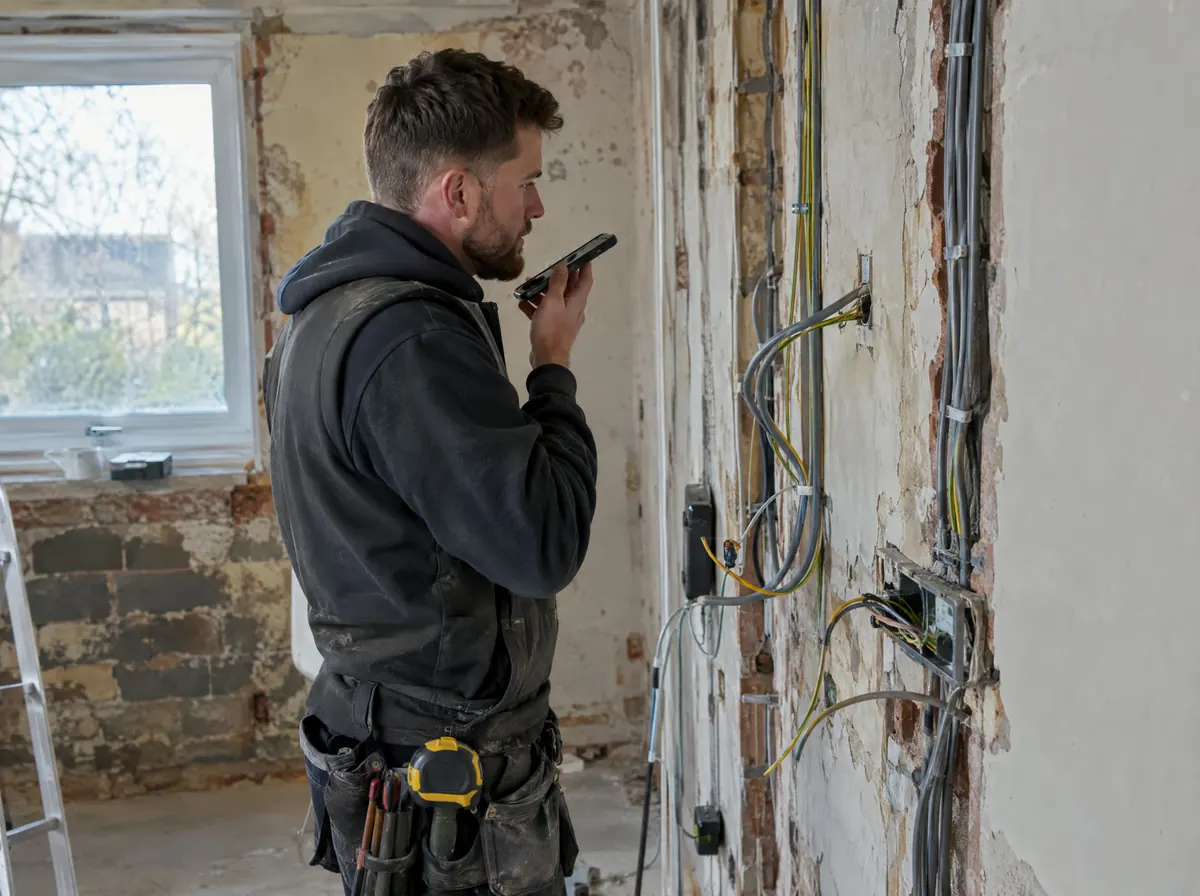
Type a note, or tap Talk and what you say is turned into typed text: measurements, what the customer asked for, what to order.
- 3
Filed to the job
It's filed against the job and searchable, and a note can be turned into a quote, a diary booking or a job.
Start 14 days free.
No card required. Subscribe while we're in early access and pay £19.99 a month for life. Cancel inside the app.